
Tap the game or press a key to turn on sound
Turn your device sideways to play
How to play
✥Move: the stick on the left. Push forward and slide your thumb up onto the runner to lock running; tap the stick to stop. WALK: tap to walk, tap again to run.
⌖Aim & shoot: swipe anywhere in the middle to aim; a quick tap there shoots. Hold either FIRE and drag to aim while shooting.
◎Scope: tap the eye: sniper rifles raise their own scope, other weapons bring up the binoculars. + / − zoom. ALT is the weapon's secondary fire.
⇅Crouch / jump / peek: around FIRE. Tap CROUCH to crouch, tap again to stand. UP / DOWN on the left change stance (DOWN twice: prone).
⚙Settings: sensitivity, invert look, gyroscope, and Edit layout to drag the buttons where you like. MENU pauses, and skips a cutscene or briefing; tap the menu items as usual.
⟲Gyroscope: turn the phone to fine-aim while scoped, like PUBG. Your browser may ask for motion access.
Press Alt + Enter for fullscreen
Click the game to capture the mouse (full 360° turning)
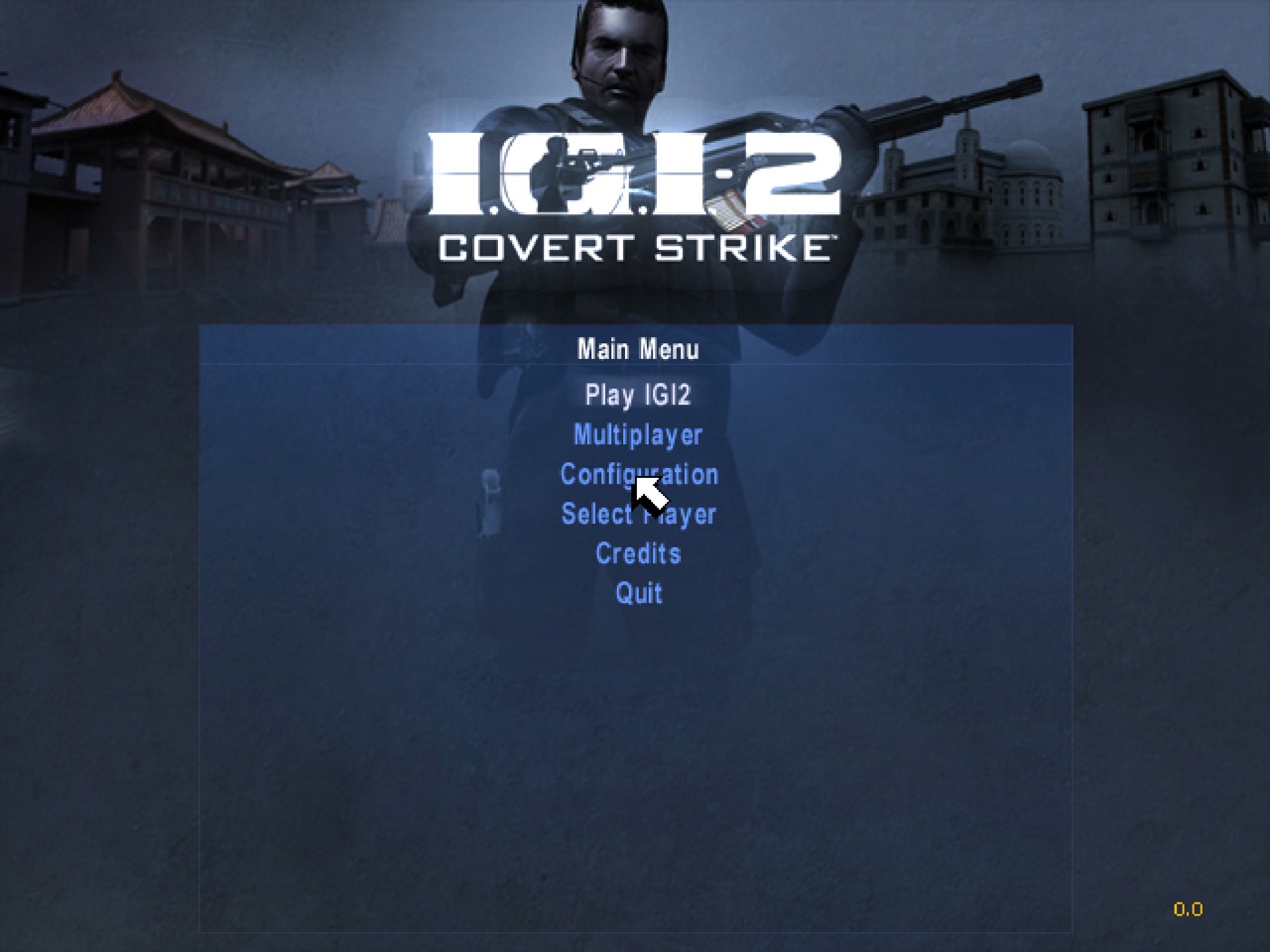
IGI 2: Covert Strike
Checking your browser…
Pick your IGI 2: Covert Strike folder: the one that holds igi2.exe, MISSIONS and COMMON. It is copied into this browser's private storage once (about 1.4 GB) and never leaves your computer.
IGI 2: Covert Strike
Starting the game…
INTEL